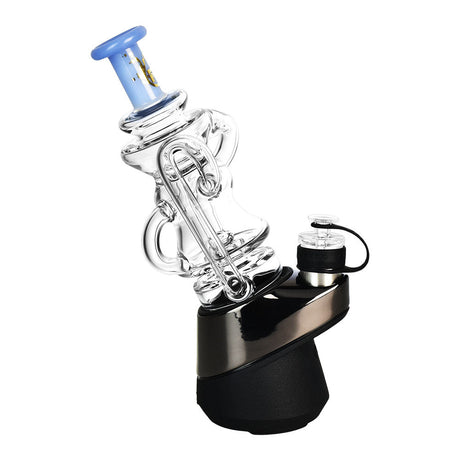
Welcome to the world of Puffco! This guide serves as the place where you can find everything you need to know about the Puffco New Peak.
Want to compare the New Peak with the OG Peak or the Peak Pro? We're going to have a comprehensive guide soon. This guide focuses on the Puffco New Peak only.

1. Is the New Peak Right for You?
The New Peak is designed for simplicity and ease of use, at a budget-friendly price point. It is a smart e-rig that makes traditional dabbing feel like a chore, but it does not include every feature found in Puffco's Peak Pro models.
Will it get the job done? oh.. it most certainly will, and then some!
Key features that the Puffco New Peak has
- The 3D Standard: Every New Peak comes with a 3D Chamber. We’ll talk about this briefly below.
- Real-Time Temp Control: For the 40-second session cycle, the internal sensors of the New Peak will make sure the temperature is consistent regardless of how hard you inhale or how much material you load.
- Plug-And-Play: Can be used right away with a few clicks of a button, no complicated controls or manual settings that need to be tinkered with.
Features that you won’t find in the New Peak
- No App Connectivity: You cannot customize specific temperatures or lighting patterns like with the Peak Pro. You are limited to the four factory-tuned presets.
- No Wireless Charging: The device relies exclusively on USB-C. It is not compatible with the Puffco Power Dock.
- No 3DXL Compatibility: The New Peak uses a specific 3D chamber. It cannot be upgraded to the 3DXL chamber used by the Pro models.
3D Chamber
At this point you might be wondering, what is Puffco’s 3D Chamber and what does it do?
The 3D Chamber is Puffco’s patented atomizer. Regular chambers heat from the bottom, while Puffco’s 3D Chamber features heat traces embedded in the ceramic side walls.
What does that mean?
Because it vaporizes from the sides, it offers better flavor and higher potency hits.
It also gets bonus points for easier cleaning. The 3D design reduces chazzing (burnt-on residue) and is easy to clean, often just requiring a soak in 99% isopropyl alcohol
2. How to set up the Puffco New Peak?
Ah, you finally got it! Welcome to the Puffco universe. Before you fire it up, let’s go through some set-up steps that wil keep your device working smoothly for as long as possible.

What’s included
- Peak Base
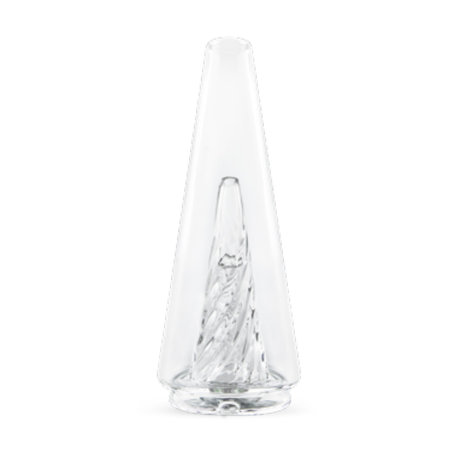
- Peak Glass 2.0
- Peak 3D Chamber
- Joystick Cap
- Loading Tool
- Cotton Swabs
- USB-C Cable

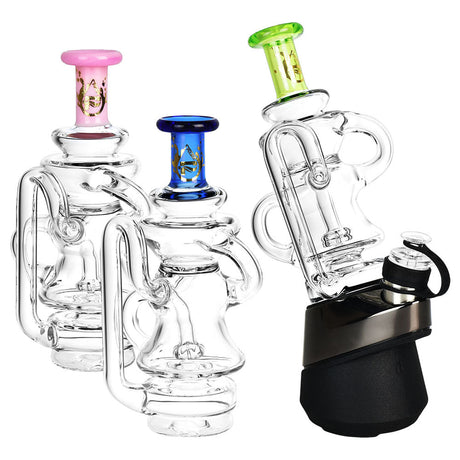
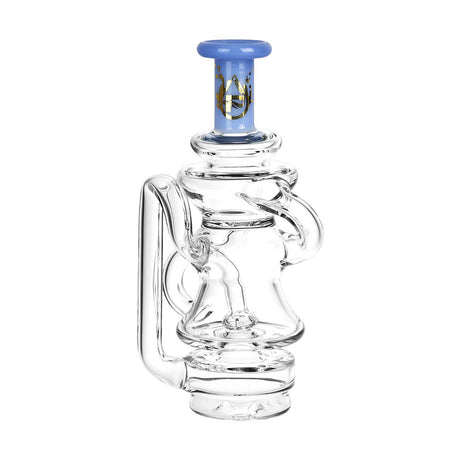
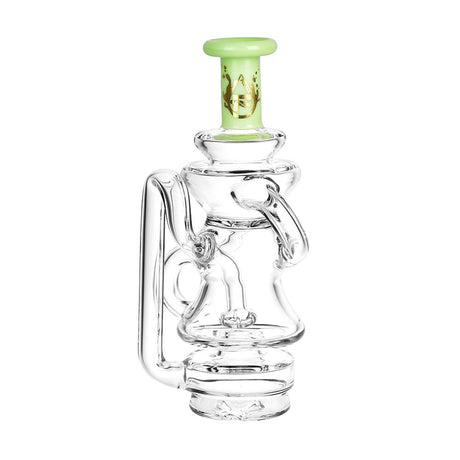
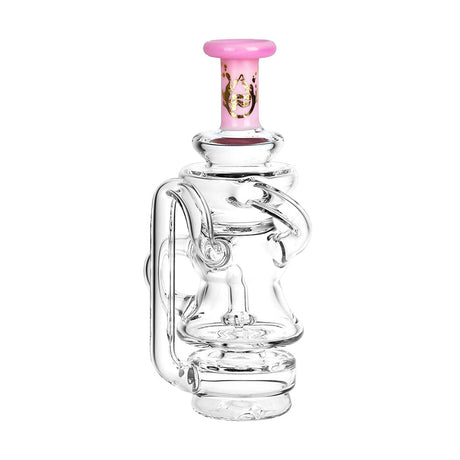
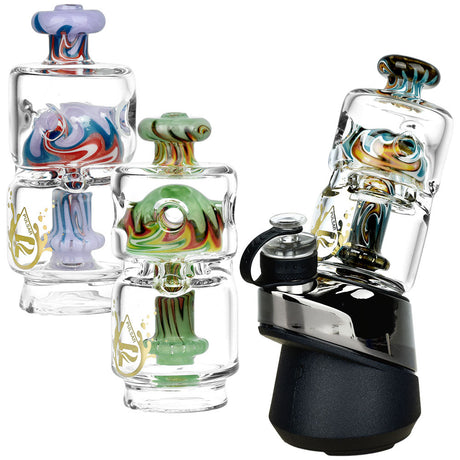
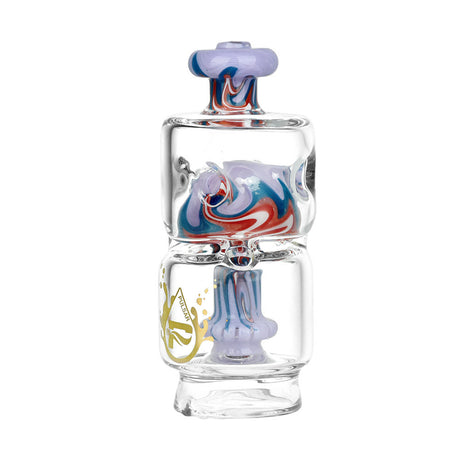
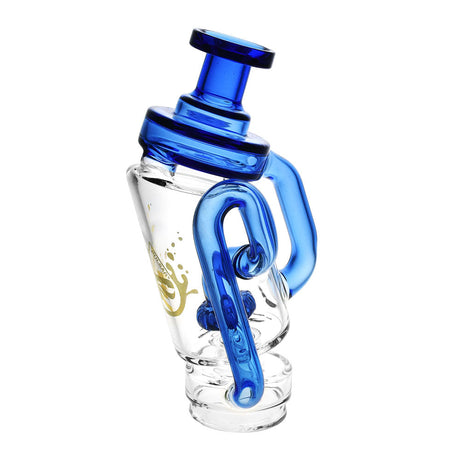
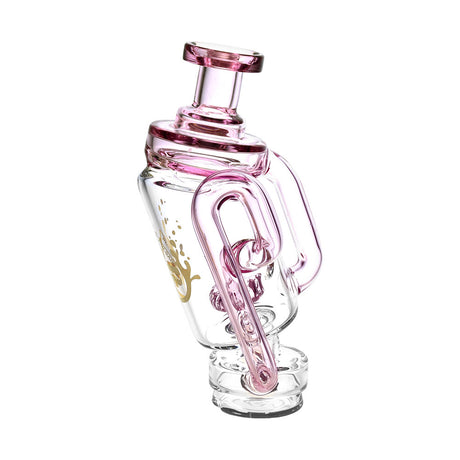
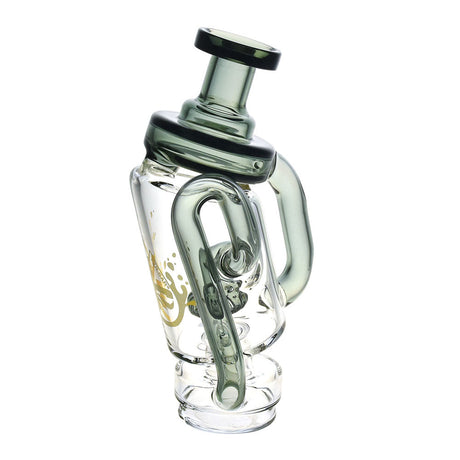
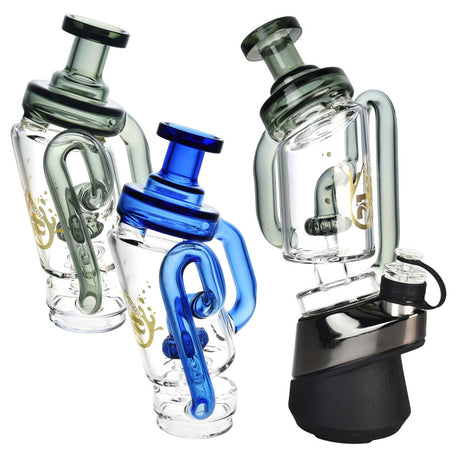
Want to personalize your peak for superior filtration and aesthetics? Take a look at our Puffco Peak Glass Top Attachments here.
Charge your device first!

Do not use the device immediately out of the box. To ensure a better battery life, make sure the device is fully charged before its first use.
- Plug in the included USB-C cable. (does not include a power head so you’ll have to use your own)
- The light band will Pulse Orange while charging and turn off automatically when the battery is full.
- Puffco New Peak’s Charge Time: To fill up an empty tank it will take about 2 hours. Since the device usually comes with a partial charge, it should take less time. A full charge is enough for roughly 30-35 sessions with the Puffco New Peak.
- How hot does the Puffco New Peak get while charging? 32°F – 100°F
Filling the Glass

Warning: Never fill the glass while it is attached to the base. Water entering the lower section of the glass can leak into the base and cause permanent electronic failure.
- Remove the glass by grasping the base and gently pulling the glass toward you.
- Fill through the mouthpiece until the water level is just above the percolation holes.
- Check the Lower Section: Be precise. Overfilling can result in water in the lower section. If you notice water has entered the bottom chamber of the glass, empty it immediately and dry it before usage.
- Reattach by aligning the inlet hole on the glass with the chamber and pressing it firmly into the base.
3. The Controls
How to use the New Peak’s Button
With just one button, the New Peak can take you places. Here’s a quick guide showing how to navigate every feature without needing an app.
|
Action |
Result |
Purpose |
|
Hold (3 Seconds) |
Power On / Off |
Wakes the device or puts it into deep sleep. |
|
Single-Click |
Cycle Heat Settings |
Toggles through Blue, Green, Red, and White profiles. |
|
Double-Click |
Start Heat Cycle |
Initiates the 25-second heat-up to your selected temp. |
|
Double-Click (During Session) |
Boost Mode |
Increases temperature and adds more time to the session. |
|
Triple-Click |
Battery Check |
Displays current battery level (Green/Orange/Red). |
|
5-Clicks Fast |
Dry Mode |
Activates high-heat mode for glass attachments with no water. |
|
Hold (During Session) |
Cancel Heat |
Instantly cuts power to the chamber to save material. |
|
Hold (20 Seconds) |
Hard Reset |
Used to reboot the device if it becomes unresponsive. |
4. Operating the Device
Your First Session

1. Loading the 3D Chamber
Unscrew the Joystick Cap. Use your loading tool to place a "grain of rice" sized amount of concentrate onto the bottom surface of the bowl. Avoid the sidewalls; the 3D tech pulls the oil there automatically.
2. Choosing Your Intensity
Single-click to choose your heat setting. The New Peak uses these calibrated settings:
- Blue (Low): 490°F (254°C) - Best for flavor-first dabs.
- Green (Medium): 510°F (266°C) - Balanced flavor and vapor.
- Red (High): 530°F (277°C) - Higher vapor production.
- White (Peak): 590°F (310°C) - Maximum vapor and intensity.
3. Capping and The Hit
Press the Joystick Cap down until snug. Double-click to heat. Once the device vibrates twice and the lights flash:
- Inhale gently: Sip it like a straw.
- Work the Joystick: While taking your hit, move the joystick toggle in a circular motion. This stirs the oil against the heated sidewalls for maximum efficiency.

5. Maintenance
The Cleaning Ritual for Healthy Puffco New Peak
After Every Use:
- While the chamber is warm, use a cotton swab to mop up residue. This prevents chazzing (black carbon buildup).
- Note: Never use a wet swab on a hot chamber.
Weekly Deep Cleaning:
- The Chamber: Unscrew and submerge in 99% Isopropyl Alcohol for 20 minutes.

- The Glass: Submerge in ISO to remove resin. Rinse with water and dry completely.

- The Base: Clean the gold contact pins with a swab dipped in ISO.

6. Troubleshooting: The Lights Guide
What your Puffco New Peak is Trying to Tell You
If your device encounters an issue, the light band will communicate through specific color flashes. Use the table below to diagnose and fix errors quickly.
|
Light Pattern |
Meaning |
Solution |
|
Flashing White (4 Times) |
No Chamber |
Chamber not detected. Remove and reinsert. |
|
Alternating Red / White |
Chamber Error |
Connection issue. Remove and clean chamber before reinserting. |
|
Solid Red (5 Seconds) |
Device Overheating |
The base is too hot. Allow device to cool before using. |
|
Flashing Red (3 Times) |
Low Battery |
Battery is depleted. Ensure device is fully charged. |
|
Flashing Blue (5 Times) |
Short Circuit |
Inspect connection for debris; contact support if it persists. |
|
Pulsing Orange |
Charging |
Normal behavior; lights turn off when complete. |
How to manually reset my Puffco New Peak?
If the device becomes unresponsive, press and hold the button for 20 seconds. This will force a hard reboot of the internal software and usually clears minor glitches.
How to prevent clogs and other general tips
- The Joystick Cap: If you feel resistance while inhaling, the air path in the cap may be clogged. Clean the joystick assembly in 99% ISO.
- The Glass Inlet: Ensure the small hole at the bottom of the glass is not blocked by resin. This is the most common cause of no airflow.
- The Perc Holes: Use clean water; dirty water can bridge the holes and restrict air.
- Keep It Dry: Always ensure the gold pins on the bottom of the chamber and the top of the base are 100% dry before reattaching.
FAQs
Can I fly with my Puffco Peak?
Yes, you can generally bring your Puffco Peak on a plane. Make sure you thoroughly clean your device and pack it in your carry-on luggage. If you’re a frequent flyer, it’s great to invest in a travel case.
Does the Puffco Peak come with a charger?
Yes! Puffco includes a high quality type-C cable in the box. Keep in mind that they don’t include the power head, so you’ll need to use one that you have available or plug into a power outlet with a USB plug.
I want to personalize my Puffco Peak, where can I get cool glass inserts?
All the glass attachments you need for your Puffco Peak can be found in DankGeek’s Puffco Peak & Peak Pro Glass Top Attachments collection here!
How long does it take to charge my Puffco New Peak?
It takes around 2 hours to fully charge the Puffco New Peak. That’s enough to last 30-35 cycles.
Make sure to charge your device before first use to ensure a healthy battery.
Where can I find a replacement 3D chamber for my Puffco Peak?
If you want to get an extra 3D chamber, you’re in luck. DankGeek offers all Puffco Peak pieces and accessories. You can find the 3D Chamber here.
I have another question that isn’t included here!
Reach out to us directly with all your questions, we’re always happy to help 💚