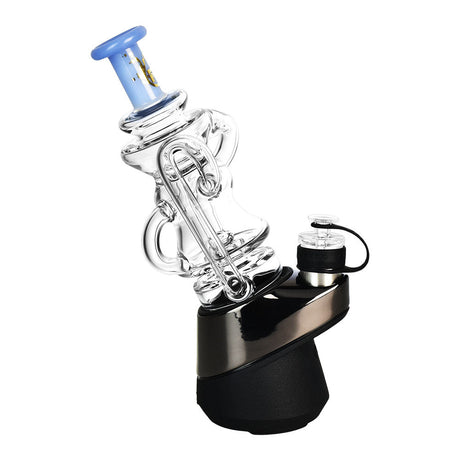
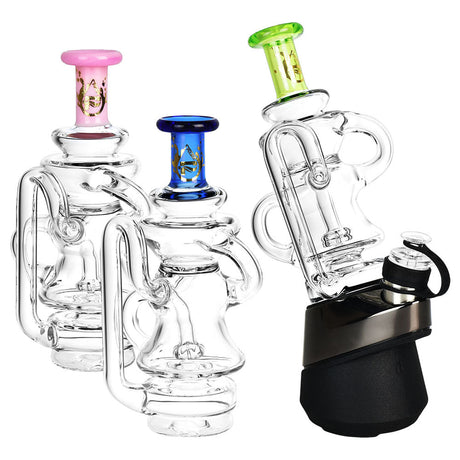
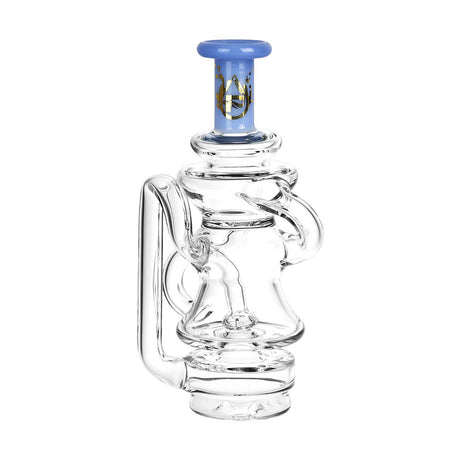
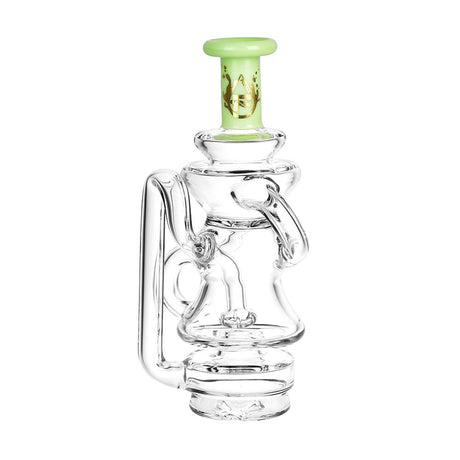
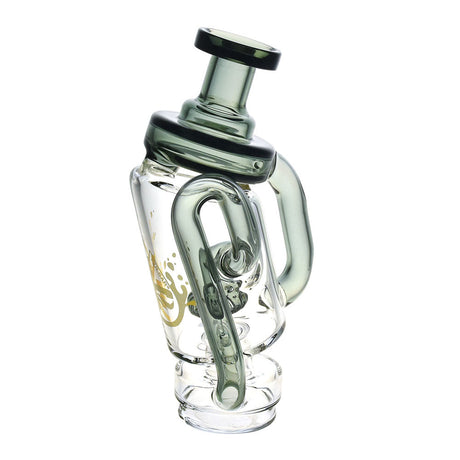
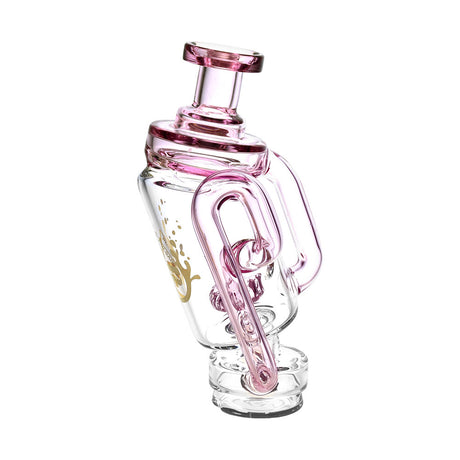
Are you thinking of upgrading to a Peak Pro 3DXL? Or maybe you want to see if it’s the right fit for you compared to the New Peak or other e-rigs in the market.
Well, get ready to make a decision because we’re going to cover everything from why the 3DXL is the best chamber in the Puffco ecosystem, to how to use the XL app settings, and we’ll also share a few secrets to keep your flagship device hitting like it’s still day one.
1. 3DXL vs. Standard 3D Chamber:

Is it really worth it?
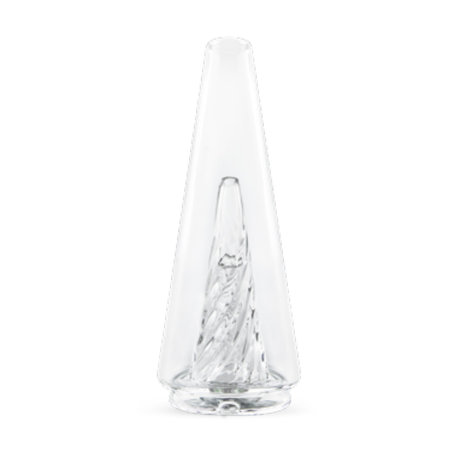
Short answer: Absolutely! While the 3D Chamber is already a beast, the 3DXL is on a whole other level. So if you’re an experienced dabber, this investment is a no-brainer.
Here are 3 reasons why the 3DXL is better:
-
78% Larger Bowl Depth: Yup, that XL is massive. Load it up without the mess.
-
Stronger Pulls: Unlike the standard Peak, which requires a gentle sip, the 3DXL lets you rip as hard as you want. The deeper walls prevent splatter from entering the glass.
-
Unlock Max Vapor Control: When paired with the Peak Pro, the 3DXL unlocks exclusive XL vapor production settings in the app, forcing the heater to maintain extreme efficiency during heavy inhales.
For a full breakdown comparing the 3D and 3DXL chambers, check out our guide here.
2. Unboxing

Setting Up Your Peak Pro 3DXL
Feels like Christmas morning, let’s get this box opened already!
What’s in the Box?
-
Peak Pro Base: The Bluetooth-enabled brain.
-
XL Joystick Cap: A longer toggle designed specifically to reach the bottom of the deeper XL chamber.
-
Pro Glass 2.0: Optimized with 5-laser cut perc slots for maximum airflow.
Charging & Battery Life
Make sure to charge your device before the first use for a longer battery life.
-
Total Charge Time: It takes approx. 2 - 2.5 hours to charge the Peak Pro via USB-C.
-
Session Count: Puffco says a full charge delivers around 40 sessions, but expect roughly 30-35 sessions.
-
Battery Check: Click the button 3 times to see your status:
-
-
Green: 60% - 100%
-
Yellow: 30% - 60%
-
Red: 0% - 15% (Time to charge!)
-
3. Mastering the Puffco Connect App: Custom Heat Profiles

The app is where the Peak Pro 3DXL truly separates itself from the New Peak.
To access the app on iOS, you must use the Path Browser app and navigate to puffco.app
Unlocking XL Vapor Control
Once connected, you can create custom heat profiles. For the 3DXL, you'll see a new slider: Vapor Control.
-
Standard/High: Optimized for flavor and terpene preservation.
-
XL/Max: The "Cloud Chaser" mode. This setting is specifically engineered to keep the 3DXL chamber at the same temperature even during the most aggressive pulls.
4. Peak Pro Button Shortcuts
Don't want to pull out your phone mid-session? Memorize these physical commands to control your rig:
|
Action |
Result |
|
Hold (3 Sec) |
Power On / Off |
|
Single-Click |
Cycle Through Custom Heat Profiles |
|
Double-Click |
Initiate Heat Cycle |
|
Double-Click (During Hit) |
Boost Mode (Increases Temp & Extends Time) |
|
Triple-Click |
View Battery Level |
|
Click 4 Times |
Stealth Mode (All lights off for discreet sessions) |
|
Hold (20 Seconds) |
Hard Factory Reset (Fixes most software glitches) |
5. How to Take a Hit With the Peak Pro

1. How to load up the Peak Pro: Place your concentrate at the very bottom-center of the chamber. Because it's an XL, don't be afraid to load a bit more than usual.
2. How big of a hit can I take with the Peak Pro: You don't need to be gentle. Pull with confidence. The 3DXL is designed for high-velocity airflow.
3. How to use the Peak Pro Joystick: While inhaling, move the XL Joystick in a slow, circular motion. This pushes the oil against the heated sidewalls, ensuring nothing is wasted at the bottom.
6. Maintenance: How to Clean the 3DXL Chamber

Because the 3DXL processes more oil, it requires a stricter cleaning ritual to prevent chazzing or permanent staining.
-
Use a Warm Swab: After every hit, use a dry cotton swab to mop up the remaining oil.
-
Soak in 99% ISO: Once a week (or every 100 dabs), unscrew the chamber and submerge it in 99% Isopropyl Alcohol for 20 minutes. Warning: Never use 70% ISO; the water content can damage the 3D heating traces.
-
Take Care of the Gold Connection Pins: Use an ISO-dipped swab to clean the three gold pins on the base to ensure a perfect electrical connection.
7. Troubleshooting: Decoding Puffco Light Codes

If your rig stops hitting, the light band is your diagnostic tool.
-
Flashing White (4x): No Chamber Detected. Try unscrewing and re-seating the chamber firmly.
-
Alternating Red/White: Chamber Connection Error. This usually means the gold pins are dirty. Clean them with 99% ISO.
-
Solid Red (5 Sec): Overheating. The base is too hot; give it 5 minutes to cool down.
-
Flashing Red (3x): Low Battery.
Clog Prevention Tip
Check the Reclaim Trap. Periodically remove the silicone jacket around the chamber area and the glass top. Oil often builds up in the small airpath hole between the chamber and the glass inlet.
FAQ
Can I fly with my Puffco?
Yes, but it must be in your carry-on. Ensure it is 100% clean of residue and the glass is empty of water.
Is there a "Stealth Mode"?
Yes. Click the button 4 times to turn off the LED lights for discreet sessions.
Does the 3DXL chamber work on the New Peak?
No. The 3DXL is only compatible with the Peak Pro. The New Peak has its own specific 3D chamber.
Can I use old Peak glass on the new models?
Yes. All Peak glass is cross-compatible across the OG, New Peak, and Peak Pro. You can find our full Puffco Peak glass collection here.
Does the New Peak use the app?
No. The New Peak is plug-and-play. Only the Peak Pro uses the Bluetooth app for customization.
How long does a full charge take?
Approximately 2 hours using a standard 5V/2A wall block.
How many hits do I get per charge?
Roughly 30 to 35 sessions depending on your heat settings.
Can I use wireless charging?
Only on the Peak Pro. The New Peak (2024) and OG models can only be charged with cables.
What do the Police Lights (Red/White) mean?
Connection Error. Unscrew the chamber, clean the gold pins with 99% ISO, and screw it back in tightly.
Why am I getting very little vapor?
You may be inhaling too hard. Try a slow, steady "sip" and ensure you are moving the Joystick Cap to move the oil.
How do I reset the device?
Hold the power button down for a full 20 seconds to force a hard reboot.
Can I clean it with 70% alcohol?
No. Use 99% Isopropyl Alcohol only. 70% contains too much water and can damage the electronics.
Do I have to clean it after every hit?
Yes. Use a dry cotton swab while the bowl is still warm to prevent chazzing (permanent black stains).
How often should I soak the chamber?
Once a week, or roughly every 100 hits, submerge the chamber in 99% ISO for 20 minutes.